

Views: 0 Author: Site Editor Publish Time: 2026-07-22 Origin: Site


A weak WiFi connection is often blamed on the router itself, but the position and orientation of its antennas can also have a significant impact on wireless performance. Since antennas radiate electromagnetic waves according to specific radiation patterns and polarization characteristics, improper placement may result in uneven coverage, signal attenuation, or weak reception areas.
Properly positioning WiFi antennas on a router can help optimize signal coverage and improve connection stability. Simple adjustments based on antenna orientation and placement principles can enhance wireless performance without replacing the equipment.
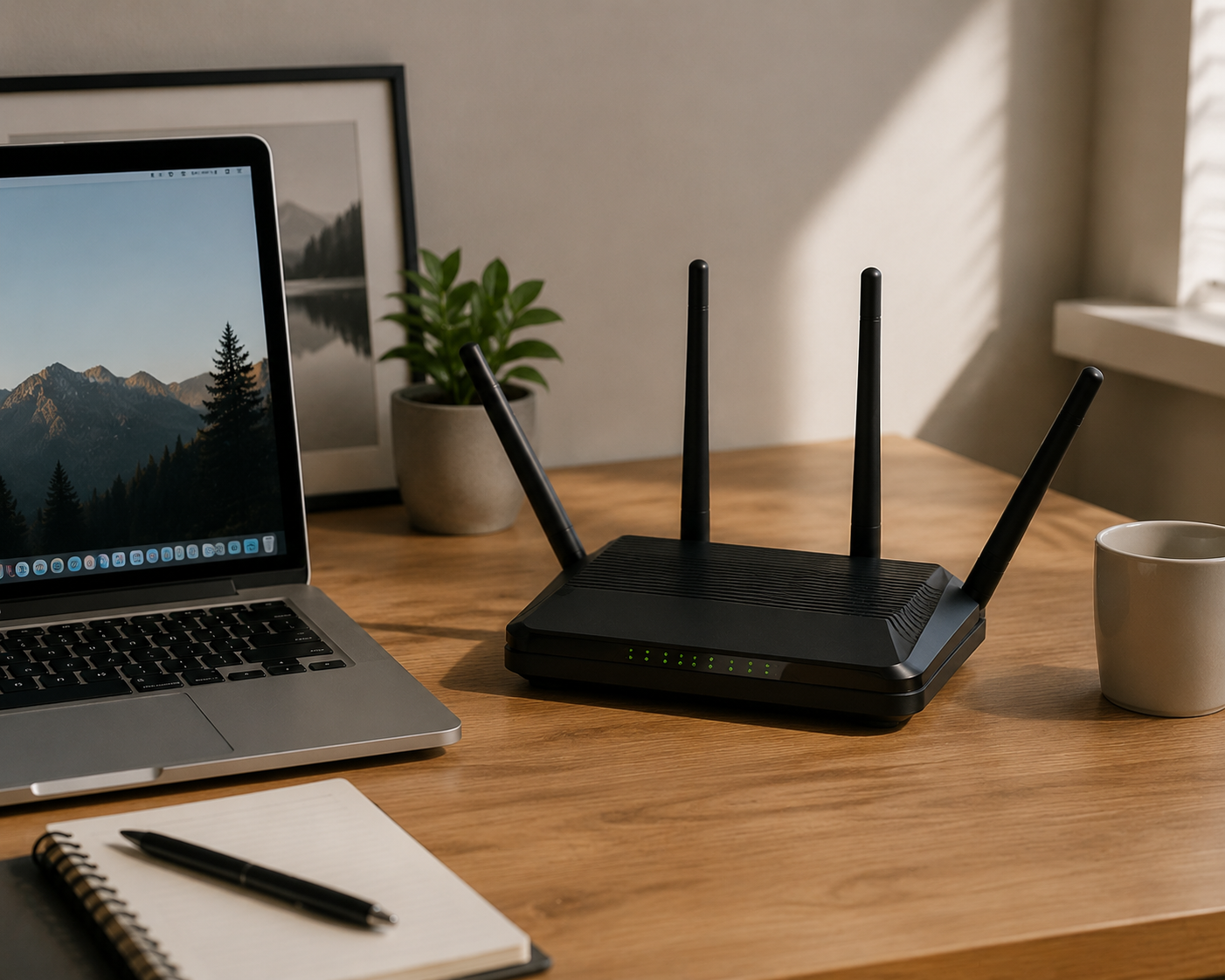
Many users believe that pointing a WiFi router antenna toward a device can improve signal strength. However, router antennas do not work like flashlights. They do not transmit signals only from the direction they point. Instead, they radiate electromagnetic waves according to their radiation pattern, creating a specific coverage area around the antenna.
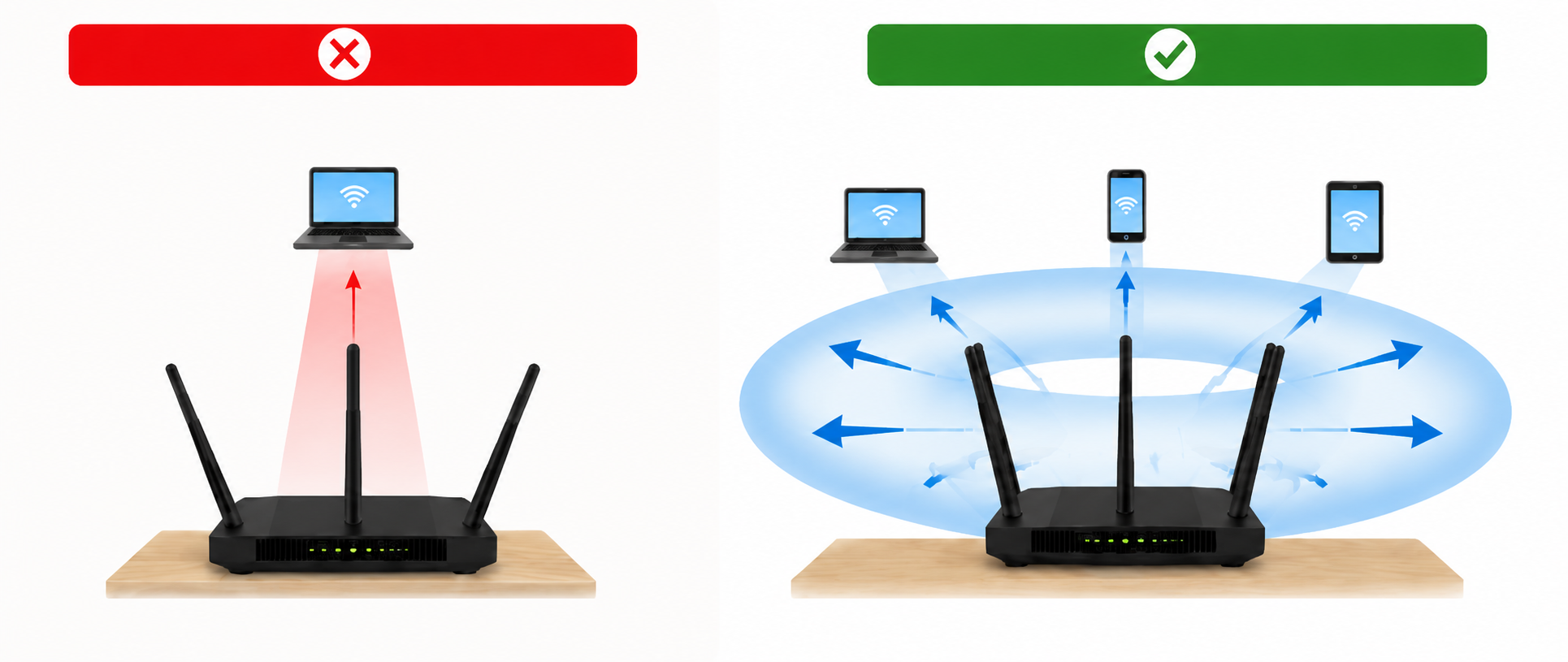
For a vertically installed WiFi antenna, the radiation strength around the horizontal plane is typically higher than that along the antenna axis. For example, if a device receives -40 dBm in the optimal radiation direction, the signal may drop to -50 dBm to -60 dBm or lower when positioned directly above or below the antenna. This 10–20 dB reduction means the received power can decrease by approximately 10 to 100 times, significantly affecting signal quality.
In most homes, placing the WiFi router in a central and open area, such as the living room, usually provides better coverage than placing it in a corner bedroom. A central location allows WiFi signals to spread more evenly, while a router placed at the edge of the house may create uneven coverage due to longer distances and more walls.
When choosing a router location, a simple principle is to minimize the distance and obstacles between the router and the main usage areas. To improve WiFi performance, place the router
· In a higher and open position, such as on a desk or shelf, to allow signals to spread more effectively without being blocked by surrounding objects.
· In a location with fewer obstacles, avoiding large furniture such as bookshelves, wardrobes, or TV stands directly blocking the path between the router and connected devices.
· Away from thick walls and large metal objects, as these materials may weaken or affect WiFi signal propagation.
Here is a simple method: choose a location where the distance between the router and the main usage areas is as similar as possible.
If your WiFi usage is mainly concentrated on the same floor, such as the living room, bedroom, and home office being on the same level, it is recommended to keep all antennas in a vertical position.
If the router needs to provide coverage across different floors, such as a living room on the first floor and bedrooms on the second floor, avoid keeping all antennas at the same angle.
Recommended setup:
· For routers with two antennas:
Keep one antenna vertical at 90° and tilt the other antenna outward to around 45°.
· For routers with three or more antennas:
Keep the middle or most antennas vertical at 90° and tilt one or two antennas on the sides outward to around 45°.
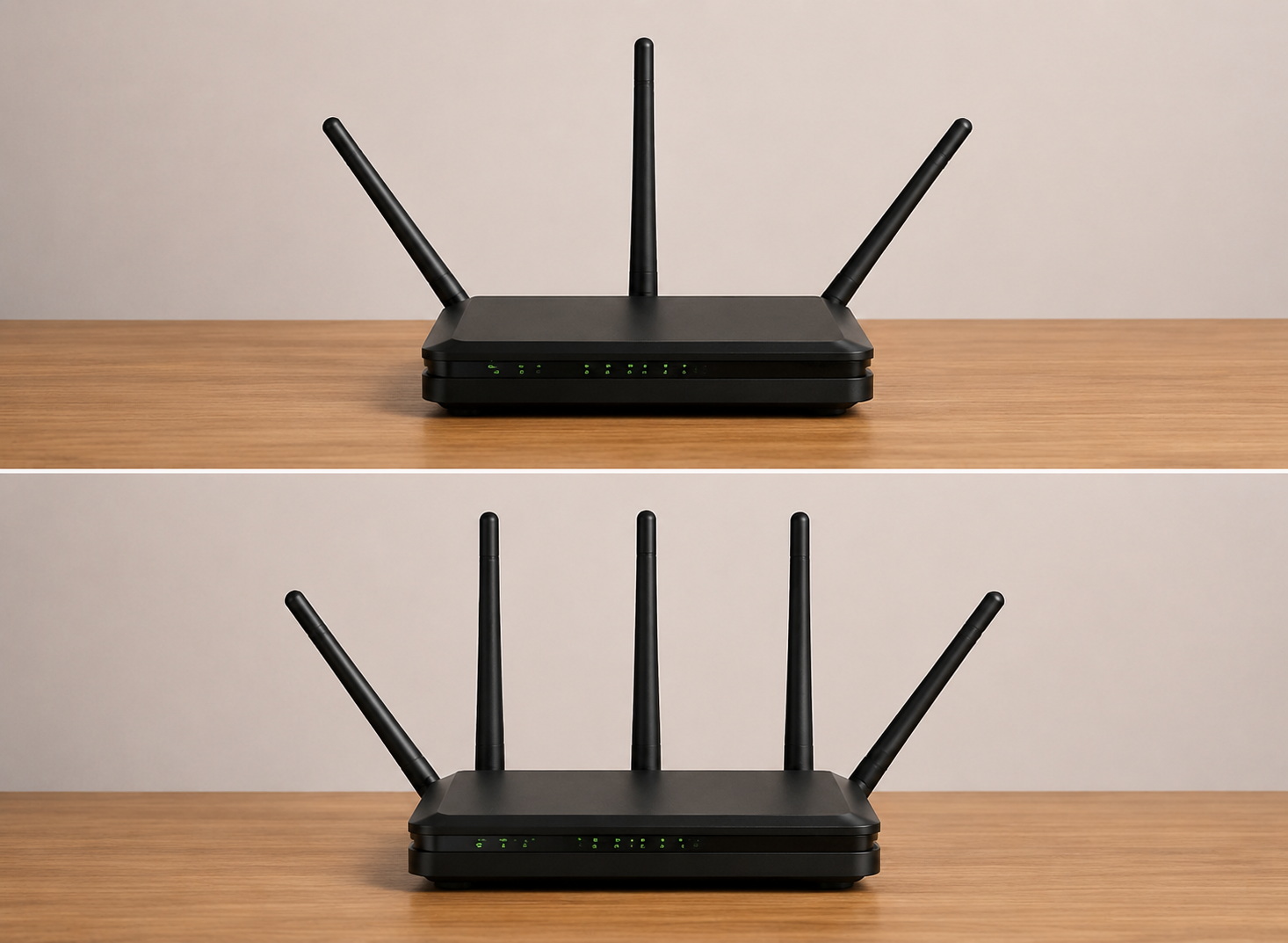
The antenna angle is similar to the position of a desk lamp. When the lamp is placed upright, it can illuminate the surrounding area more evenly. Tilting it slightly can help cover areas at different heights, but if the lamp is laid completely flat, the light becomes concentrated in one direction, leaving other areas darker.
Many users try adjusting the antenna angle first when they experience unstable WiFi. However, WiFi performance depends not only on antenna positioning but also on the frequency band being used.
· 2.4 GHz: Provides wider coverage and better wall penetration, making it suitable for devices that are farther from the router or separated by multiple walls. However, it usually offers lower speeds.
· 5 GHz: Provides faster speeds and lower latency, but the signal weakens more quickly over distance and is more affected by obstacles, making it more suitable for devices closer to the router.
Yes, but more antennas do not always mean stronger WiFi coverage. The number of antennas mainly affects the router’s ability to handle multiple devices and transmit data efficiently, rather than simply increasing the signal range. More antennas can usually improve connection stability and data transmission performance when multiple devices are connected at the same time.
· WiFi dead zones remain after optimizing router placement and antenna angles. However, if the problem is caused by large areas or multiple floors, a Mesh WiFi system or additional access points may be a better solution.
· Your router does not support newer WiFi standards, such as upgrading from WiFi 4 (802.11n) or WiFi 5 (802.11ac) to WiFi 6 (802.11ax) or WiFi 7 (802.11be) for better speed and multi-device performance.
· Your home has more connected devices or larger coverage needs than before.
Adjusting WiFi antennas can improve signal coverage, but it does not always increase internet speed. If your WiFi is still slow, the issue may be caused by other factors, such as internet bandwidth, network congestion, router performance, signal interference, or the distance between devices and the router.
Antenna positioning mainly helps optimize signal distribution, while WiFi speed depends on the overall network environment.
A bedroom can be a suitable location if it is a main usage area, such as a home office or gaming space, and the router can still provide balanced coverage for the rest of the home. Avoid placing it in a far corner or behind obstacles, as this may create weak coverage in other areas.


 External GPS Antenna
  Ceramic antenna
  Internal GPS Antenna
  Surveying Antenna
 Magnet Antenna
  Patch Antenna
  Rubber Antenna
  Screw Antenna
  Spring Antenna
  Other Indoor Coverage Antenna&outdoor Wlan Antenna
 2.4G Antenna
  5.8G Antenna

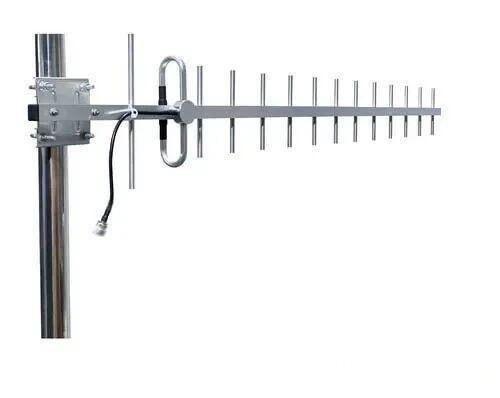 Outdoor Yagi TV Antenna


 Ceiling mount antenna
  Wall mount panel antenna
 Fiberglass Antenna
  Panel Antenna
  Parabolic Antenna
  Yagi Antenna


